Master the Circle Array Modifier in Blender 5
If you’ve been wondering how to make a circle of objects in Blender, you’re in the right place. This tutorial breaks down the new circle array feature that arrived with Blender 5, making circular duplication easier than ever before.
What You’ll Learn
- Add and duplicate a UV sphere in a circular pattern
- Use the new circle array modifier in Blender 5
- Adjust radius and object count with interactive controls
- Customize axis orientation and circle segment options
- Create full circles or partial arcs
Step 1: Setting Up Your Scene
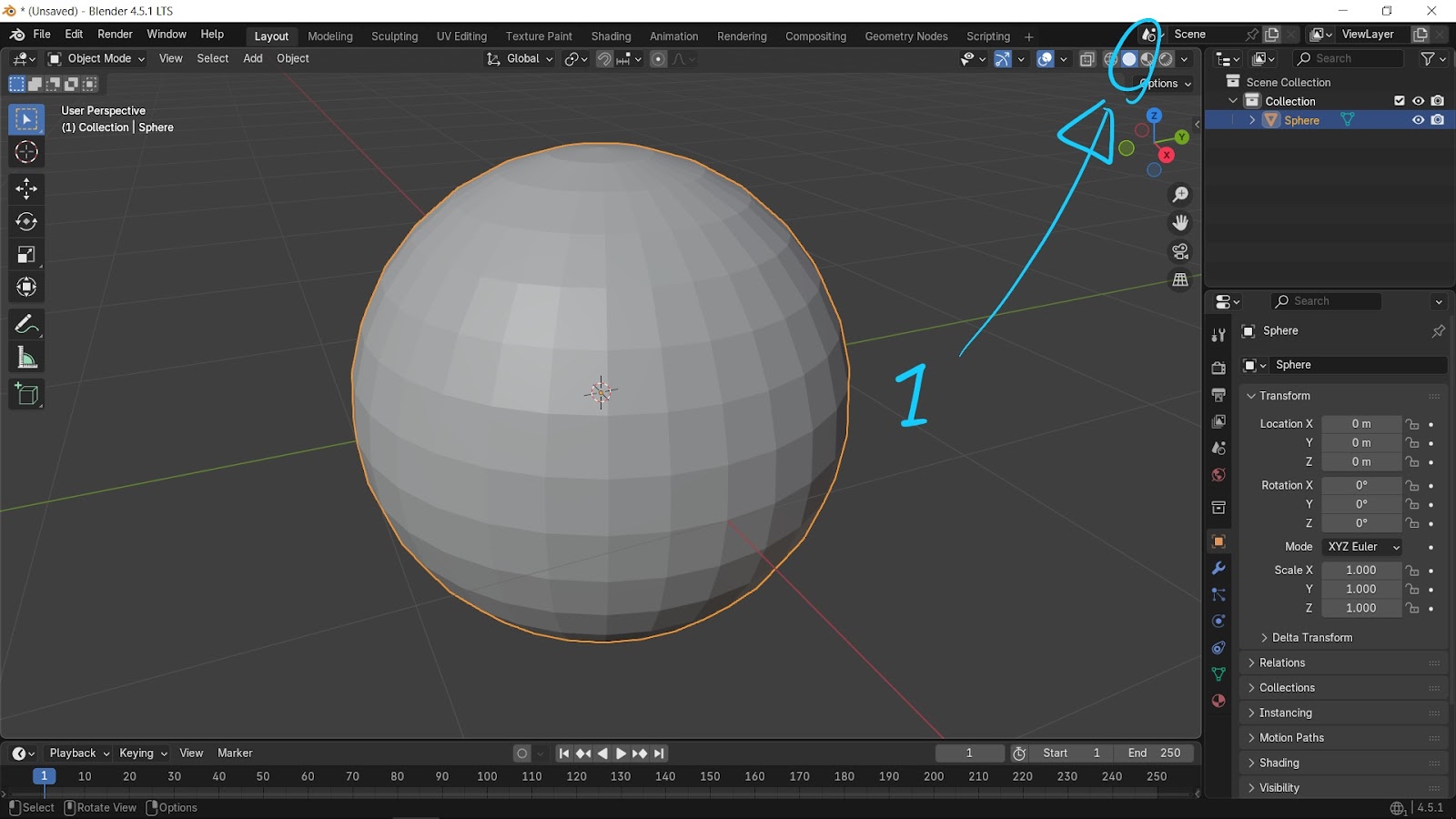
Start by adding a UV sphere to your Blender scene. This will be the object you duplicate around the circle.
Once your sphere is in place, navigate to the modifier properties panel and apply the array modifier. This is where the magic happens.
Step 2: Using the Circle Array Modifier
Blender 5 introduces a dedicated circle array option within the array modifier. Here’s what you need to know:
- Radius control – Adjust the size of your circle
- Object count – Set exactly how many duplicates you want
- Interactive viewport controls – Click and drag to see changes in real-time
Important: This feature requires Blender 5 or later. Earlier versions won’t have this functionality.
Step 3: Customizing Your Array
The circle array modifier gives you several ways to tailor the duplication:
Axis Settings – Change the axis around which objects are arranged
Segment Options – Choose between:
- Full 360-degree circle
- Partial arc for incomplete circles
These controls give you flexibility for everything from full rings to curved arrangements.
Why This Matters for Your Workflow
The new circle array modifier eliminates the complex workarounds that used to be necessary for circular duplication. Instead of manually positioning objects or using complicated node setups, you now have a straightforward tool built right into the modifier stack.
Frequently Asked Questions
What version of Blender do I need for the circle array feature?
You’ll need Blender 5 or above. This is a new addition that isn’t available in older releases.
Can I create a partial circle instead of a full one?
Yes. The circle segment option lets you switch between full circle duplication and partial arcs.
How do I change spacing between duplicated objects?
Adjust the radius parameter in the array modifier. Larger radius means more space between objects, smaller radius brings them closer together.
Can I change the axis of the circular array?
Absolutely. The modifier settings include axis controls so you can orient your circle however you need.
Will I see changes as I adjust parameters?
Yes. Interactive viewport controls provide instant visual feedback when you adjust radius or count.
Practical Applications
The circle array modifier is useful for:
- Creating wheels and gears
- Designing circular patterns for architectural details
- Building ring-shaped structures
- Making decorative elements with repeated objects
- Setting up camera arrays or lighting rigs
Final Thoughts
Blender 5’s circle array modifier simplifies what used to be a tedious process. With real-time controls and flexible customization options, you can create circular object patterns in minutes rather than hours.
The next step is to experiment with different objects and settings. Try applying the modifier to various shapes, adjust the axis, and explore the arc options to see what you can create.
Ready to see it in action? Watch the full tutorial video here: How to Make a Circle of Objects in Blender
Subscribe to the channel for more Blender tips and tutorials to keep building your skills.
by Blenderian
Read more,
Blender How to Split Object into Two