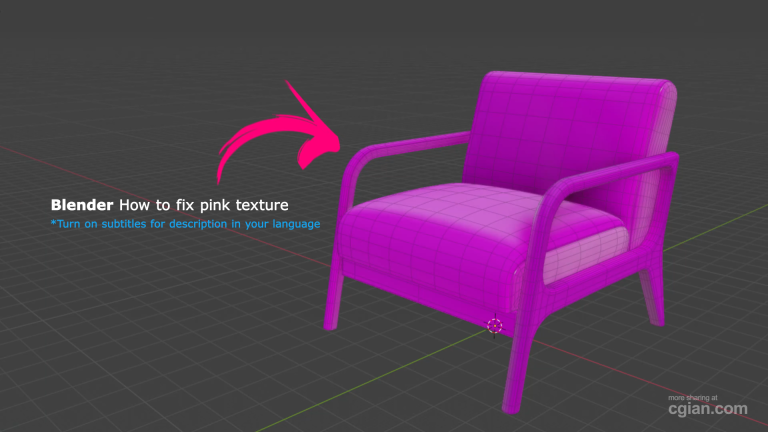
Don’t let a missing file ruin your render; here is the fastest way to perform a Blender pink texture fix.
If you have ever opened a project only to be blinded by the neon, synthetic magenta glow of a Blender pink texture fix gone wrong, you know exactly the kind of panic I’m talking about. There is something uniquely gut-wrenching about seeing your hard-earned materials replaced by that flat, garish color, especially when you’re deep into a project and the smell of ozone and hot dust from your overworked PC is filling the room. It feels like your assets have just evaporated, and the thought of manually hunting down every single missing file in the shader editor is enough to make anyone want to close the lid and walk away.
I’ve spent way too many late nights manually clicking through nodes, thinking I was doing it the “proper” way, only to realize I was wasting precious time. You don’t need to suffer through that tedium. It turns out, Blender has a built-in “magic button” that effectively finds and re-links your files for you, instantly turning those eye-searing pink placeholders back into your actual, beautiful materials.
Stop wrestling with your node setup for hours—get the job done in seconds by following this quick tutorial: https://youtu.be/58wegDG1Uxk
Why Does My Material Look Like This?
The dreaded “pink” color is simply Blender’s way of saying, “I know there’s supposed to be an image here, but I can’t find it.” It happens when you move, rename, or delete the original texture folders after you’ve already linked them in your project.
The Professional Shortcut
Instead of doing it the hard way, you can use the External Data tool:
- Go to File in the top menu.
- Hover over External Data.
- Select Find Missing Files.
- Navigate to your texture folder, and let Blender do the heavy lifting for you.
For a full walkthrough on how to avoid this headache in the future, check out the video link above.
What is the most frustrating bug you have encountered while working in Blender? Leave comment below.
by Blenderian
Related Post,
How to Mirror an Object in Blender
Blender how to extrude